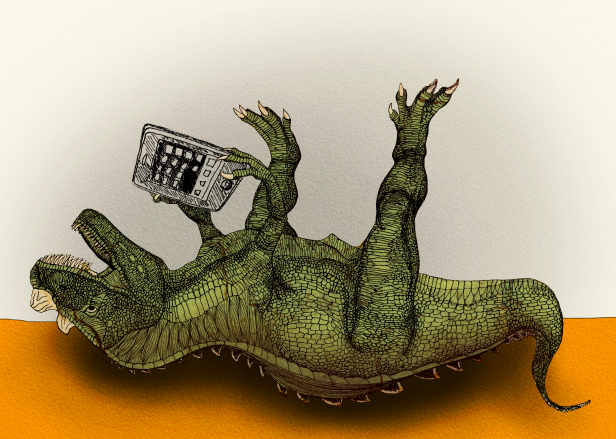
Illustration Copyright © Miet Claes
Have you ever used a touch-screen device to browse the web? Chances are quite real that you have. iPhones and iPads were only the scouts of the army of touch-enabled consumer devices set out to conquer worlds and recent iPad sales statistics show that touch is here to stay.
Meanwhile, keyboard and mouse will probably stick around for another decade. This has some serious implications for webdesigners, as they need to come up with a design that works on a myriad of devices. Responsive webdesign for instance, is a principle that we can use to overcome the problems that varying screen resolutions bring along. But there is one very basic design conception that not all webdesigners know about. It is called feedback and it needs some explanation.
When I was in kindergarten, my teacher Denise taught me how to write with a pencil. At first, the device did not work properly: I could tell by the absence of grey lines on my piece of paper. My mentor explained to me that I was holding the pencil upside down. I turned the device around and started drawing again. Lines appeared and I knew that I was doing something right. I got immediate feedback.
A lot of pencil training sessions later, my beloved writing tool was replaced by a so-called Personal Computer. I started browsing the web. Sometimes I would click on a link, and nothing would happen. Either the following page was loading slowly, or I had not properly pressed the mouse button. I could usually exclude the latter, since the mouse was designed to provide me with a nice click sound and some friction. It provided me with immediate feedback.
Recently, I bought a mobile phone with a touch screen. I regularly surf the web and inevitably click on links and buttons. Sometimes, nothing happens. Is it the slow connection or did my skinny fingers miss the clickable area? There is no way to tell if I have actually clicked on a button or link, because there is no tactile or auditive feedback like I had with the mouse. This is a problem though, that can easily be intercepted on the webdesigner’s end by:
- Setting a proper
:activestate for links and buttons in the CSS file. It is often neglected, but so important to make a visual distinction between a link that is touched and not touched or clicked and not clicked. - Providing a clickable area that is large enough so that clicking on a link or button does not become Odysseus’ Journey. Add some padding to your anchors!
- Adding interaction sounds on touch/click events. Time to dive into jQuery and html5!
Electrical devices are all built around the same basic principle: the user provides input, the device processes the input and returns a usually expected output. As described by Don Norman in The Psychology of Everyday Things, providing proper feedback in between input and output is key to succesful user interaction. This is no different on the web!